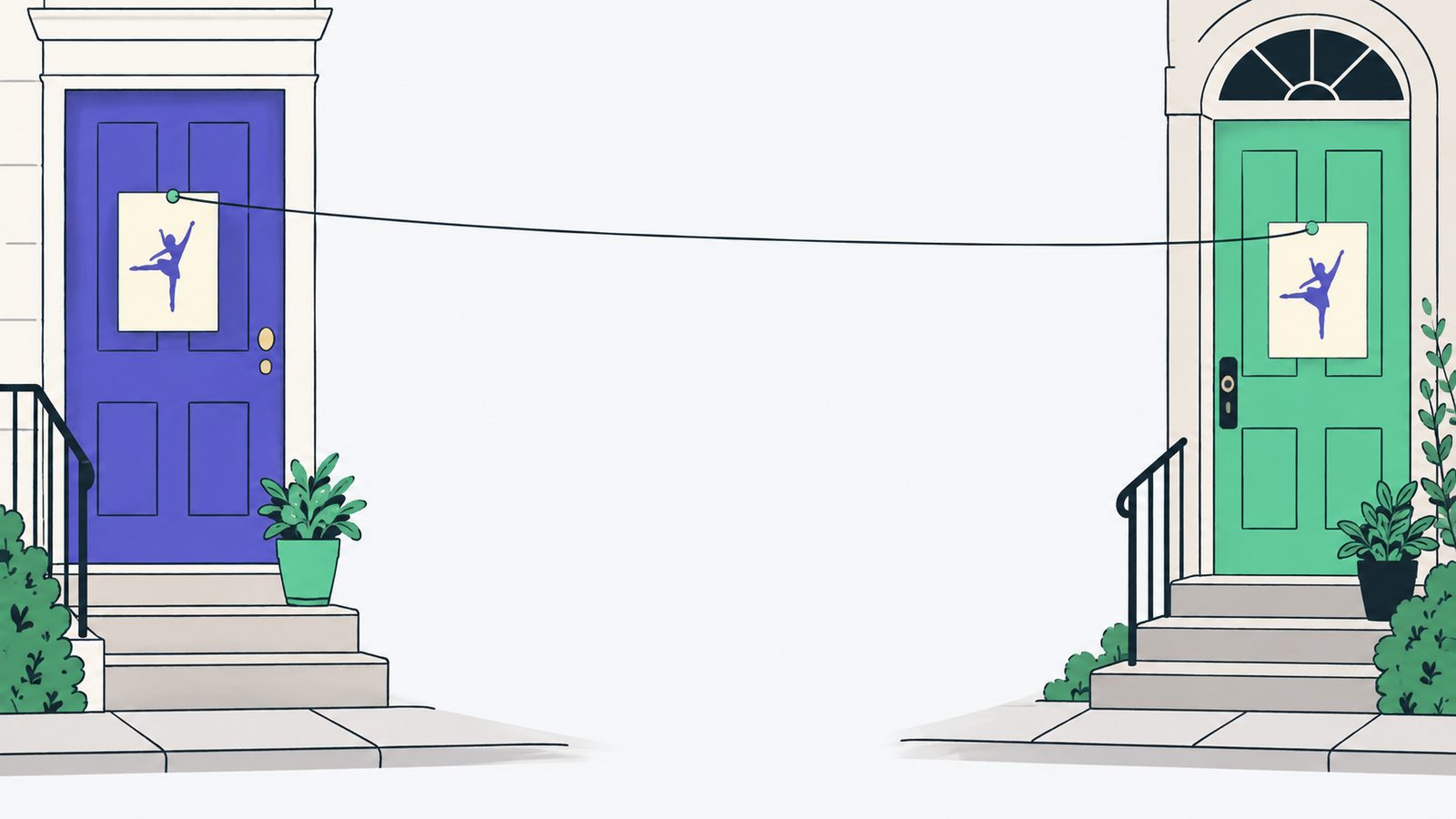
It was September, and I was looking at two listings from two different studios. Both were called “Ballet.” That was it. Same familiar word, different businesses.
I let the familiar title stand in for proof that they were the same. They weren't. The calendar looked cleaner for a moment, but one local offer had quietly replaced another. Not exactly the kind of spring cleaning anyone asked for.
Honestly, this is an easy mistake to make when you are trying to be helpful. The repeated-looking item disappears. The list gets shorter. Nobody sees a big red warning. The studio that vanished may never know why parents stopped finding it.
1. Is a familiar title identity?
Two local listings can both be called “Family Skate” and still belong to different organizers. A shared activity is a clue to look closer, not permission to combine anything.
If I merge too quickly, a builder can send someone to the wrong time, place, or business while the calendar appears perfectly reasonable. The owner gets mistaken for somebody else, and the original listing becomes much harder to find. That is a nasty failure precisely because it looks tidy.
2. What should happen when I'm unsure?
I decided that matching may propose a possible duplicate for a person to review, but it does not merge records automatically. Every original listing stays available.
If someone later approves a merge, it should be a reversible link rather than a deletion. Each listing keeps its own record, so the decision can be undone when a judgment turns out to be wrong. I want the next person to be able to ask, “Wait, are these really the same thing?” and still have something to inspect.
The trade-off is plain enough: real duplicates can remain visible longer, and reviewers have more work. I can live with that. A visible duplicate can be examined later. A wrong identity decision has already erased the context someone needed.
If you run classes: make the listing do some of the explaining
This is the slightly unglamorous bit, I know. You have a room to unlock, a register to take, and tiny shoes to find. But enough detail on the page saves a parent—and any calendar trying to help them—from playing detective.
- Give the class a descriptive title. Include who it is for, the level or age, and where it happens: “Pre-Ballet (ages 3–5)” or “Sunday Family Skate at your rink” says much more than “Ballet” or “Family Skate.”
- Put the venue name on every class page. Use the full address too, and write those details the same way anywhere the class appears.
- Give each class or series its own stable page URL. When a new season starts, keep a dependable page for that class instead of making people guess which link is current.
- Put the day, time, age range, price, level, and registration instructions in page text. A poster or PDF can look lovely, but it should not be the only place those details live.
- Add schema.org Event or Course markup, or publish a public ICS calendar feed. That gives software a straightforward way to read the details as you meant them.
- Make the business name on each listing match the name on your website. A familiar class title is common; the organizer's name helps show whose class it actually is.
Why this matters if you build on local data
Builders depend on local data to represent a neighborhood fairly. If a calendar silently collapses distinct organizers, the place can look less active and less varied than it really is. Worse, a person can be steered away from the business they were trying to find.
For a small business owner, this is more personal than a spelling problem. Your event should appear as your event. It should not disappear into somebody else's listing because two descriptions share an activity.
I used to think the visible duplicate was the annoying problem. Now I think it is the easier one. Someone can inspect two similar listings and decide what belongs together. The missing listing cannot make its case once its identity has been folded into another one. That tidy calendar doesn't look quite so tidy now, does it?