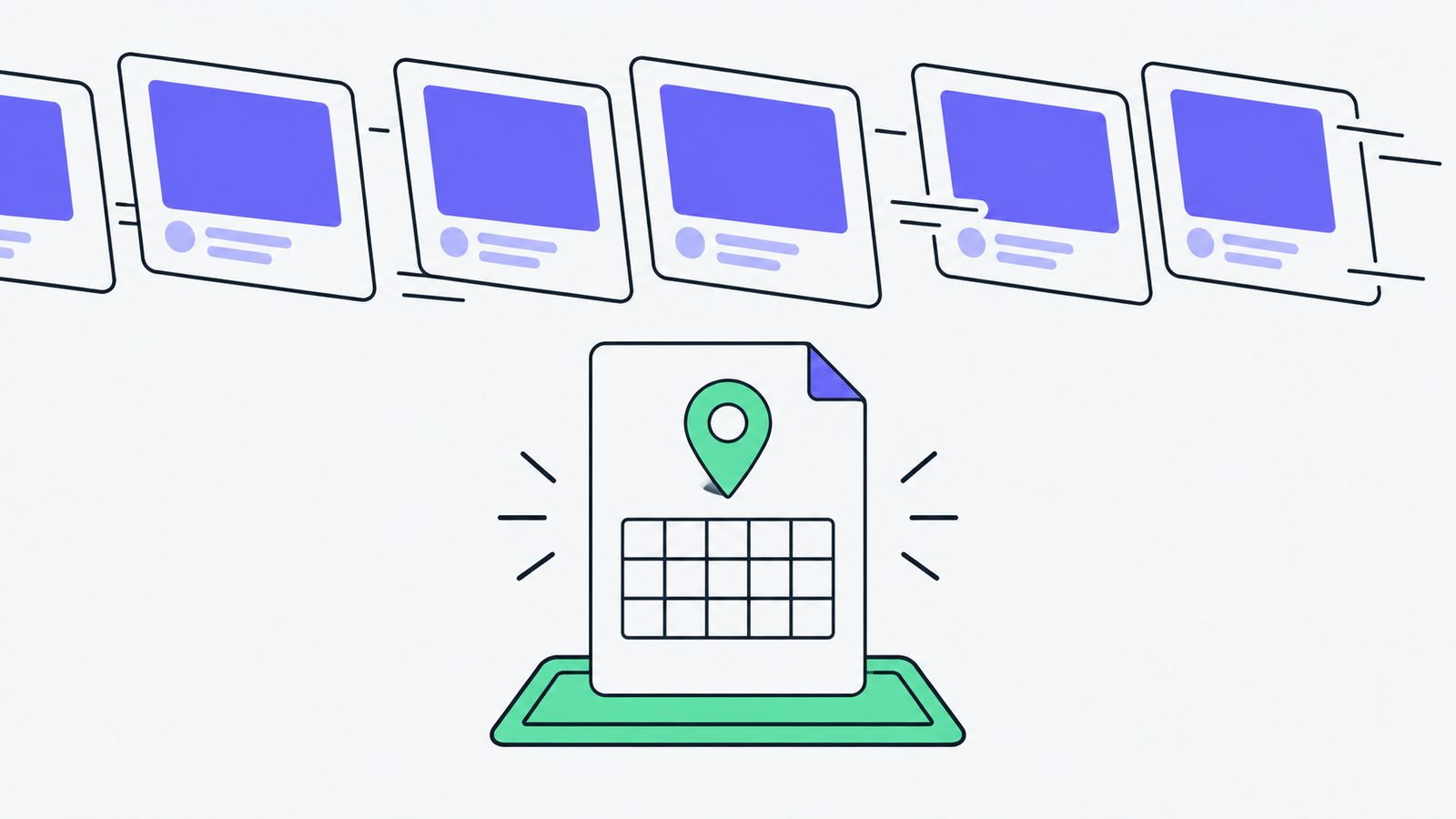
You hear about a Saturday market from a neighbour while standing in line for coffee. You pull out your phone, search for it, and find a cheerful announcement with a few photos. The table decorations look lovely. The address is nowhere obvious. You are not sure whether “this weekend” means Saturday, Sunday, or both, and the post has already slipped behind newer updates.
That is a frustrating way to meet an event. It is also a very ordinary one.
Social posts are good at reminders and conversation with people who already know you. They are much less dependable as the only place to put facts a new visitor needs. If someone hears about you from a friend, a school newsletter, or a local recommendation, they should not have to hunt through a profile and guess which announcement still applies.
1. What does a new visitor need right now?
Start with the question sitting in the reader’s head: “Can I actually go?” Give them one plain page that answers it without making them reconstruct the event from scattered clues.
For a weekly toddler art class, that means saying the useful bits together:
Saturday Toddler Art · Every Saturday, 9:30–10:15am · Ages 2–4 · Studio room, 18 Oak Street · $10 · Register: <page>The sentence does not need clever wording. It needs the title, recurring day, time, audience, place, price, and next step. Add the season or end date, plus any cancellations you already know about. A parent can read it quickly, copy it into a message, and decide what to do.
Treating a social post as the event listing is an easy mistake because the post feels finished when it looks good and people respond to it. The missing piece is not excitement. It is somewhere stable for the answer to live.
2. What should happen to the announcement?
Keep the announcement. The photo, reminder, and conversation still matter, especially for regulars. Just point them to the page where the facts are maintained.
Here is the difference with a one-day market:
Saturday craft time is back! Bring the kids!
Saturday Craft Time · Saturday, 10:00–11:00am · Ages 4–8 · Community room, 18 Oak Street · $8 · Register: <page>
The first line can make someone smile, but it asks them to do the rest of the work. The second line gives the announcement a usable shape. A person can act on it, and a search result or AI agent has a stable page to find when someone asks what is happening nearby.
The page does not have to be grand. A clear title, readable paragraphs, and the essential details are enough to begin. If the market moves rooms or the price changes, update that page. Then every reminder can continue pointing to the same answer.
3. Why do feeds make this easy to miss?
Feeds are built for what is new. That is useful when you want to tell followers that registration opened or that the tables are being set up. It is awkward when a new person needs an old announcement next month, or needs to compare the event with their own schedule.
A weekly class can post photos every Saturday and still never plainly say which ages can attend. A parent who heard about it from a friend may arrive at the wrong time or give up before finding the details. A one-day announcement can slide away before the weekend arrives, even though the event itself is still happening.
This is why a page matters to search and to AI agents. They need a dependable place to find the facts, not just a moving stream of updates. You do not need to predict every way someone might discover you. You do need to give discovery somewhere solid to land.
4. Why this matters if you run something local
People looking for a local activity are often making a small decision under time pressure: can we get there, is it suitable, and what do we need to bring? Clear event details give them a fair chance to say yes.
That also helps people outside your existing circle. A newcomer, a family acting on a recommendation, or someone checking a school newsletter may never become a follower first. If the facts live only in a social feed, you are quietly asking those people to work harder than regulars.
Give every event one stable page with the title, date or recurrence, time, audience, location, price, next step, and cancellations. Link to it from each post, newsletter, and word-of-mouth share. If practical, add structured event details or a public calendar feed so the same information can travel further. The page remains the place a person can read and trust.
5. What can you fix before the next post?
Open the next announcement and ask whether a stranger could act on it without sending you a question. If not, make the page first. Put the facts there, check the link, and use the social post to invite people in.
That small change keeps the warmth of the feed and gives the event a front door. Someone may find you through a friend, a search, a newsletter, or an AI answer, and every one of those routes can lead to the same page.